

Visual Testing
Once the question
form has been completely filled out, click the "Submit" button to send
it to the students. A dialog window
will show up, asking you to verify the question you are about to submit.
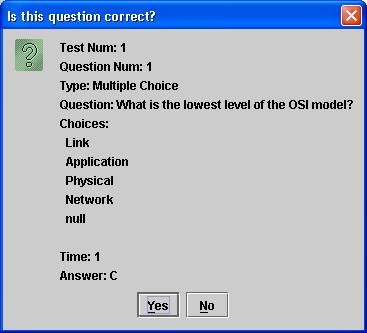
If you are
satisfied with the question, click "Yes", otherwise click
"No" to make any changes. When
the question is submitted and received by the Virtual Classroom server, the
progress bar on both the teacher and student tool is initialized and counts down
the time.
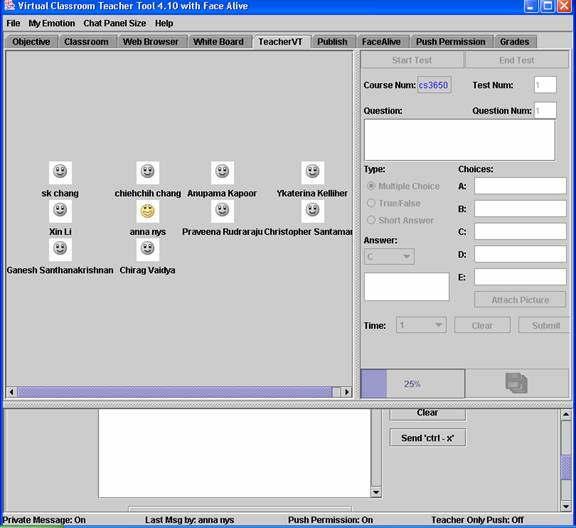
When the time is up, all responses are
displayed in the classroom window.
Note: The time values in the "Time" drop-down menu are in minutes.