Visual Testing
Ending a Test
The teacher ends
the test by clicking the "End Test" button at the top.
The students are notified that the test has ended.
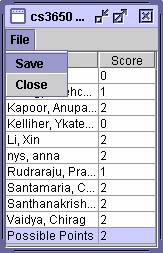
The teacher will see a table with the students' scores for the test.
This table can be saved in text format.
The test will be
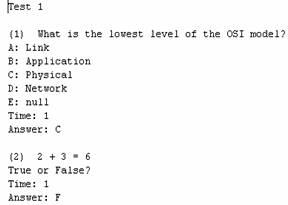
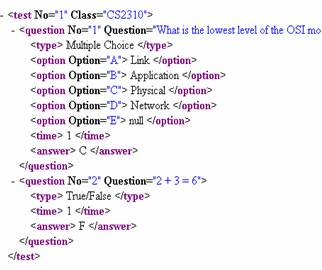
saved in text and xml format.
|
|
|
The saved test can
be re-used at a later time.