-
The standard hierarchical navigator provides a clear visual distinction
between a block's contents and the block itself.
|
|
-
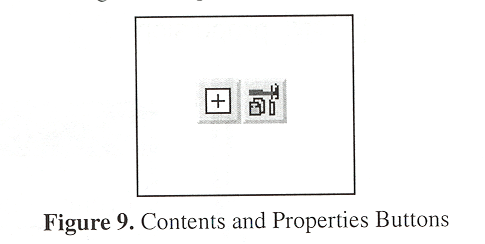
Contents are represented by a plus "+" or minus "-" icon.
|
-
The block itself is represented by a unique icon denoting its type.
|
-
Clicking the contents button displays a block's contents in both
hierachical navigator and data flow diagrams.
|
-
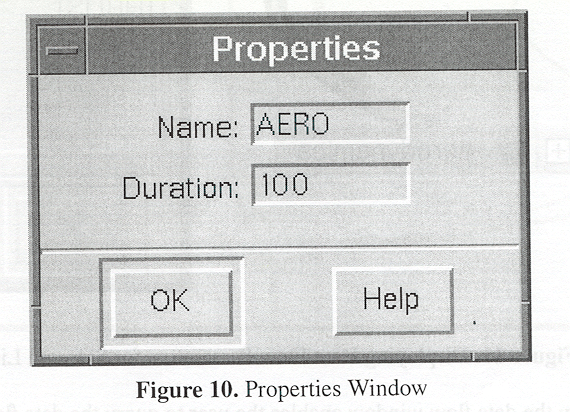
Clicking the properties button displays a block's properitess
in a seperate window(old idea!).
|
|

